How to Read an AI Tool’s Privacy Policy in 5 Minutes

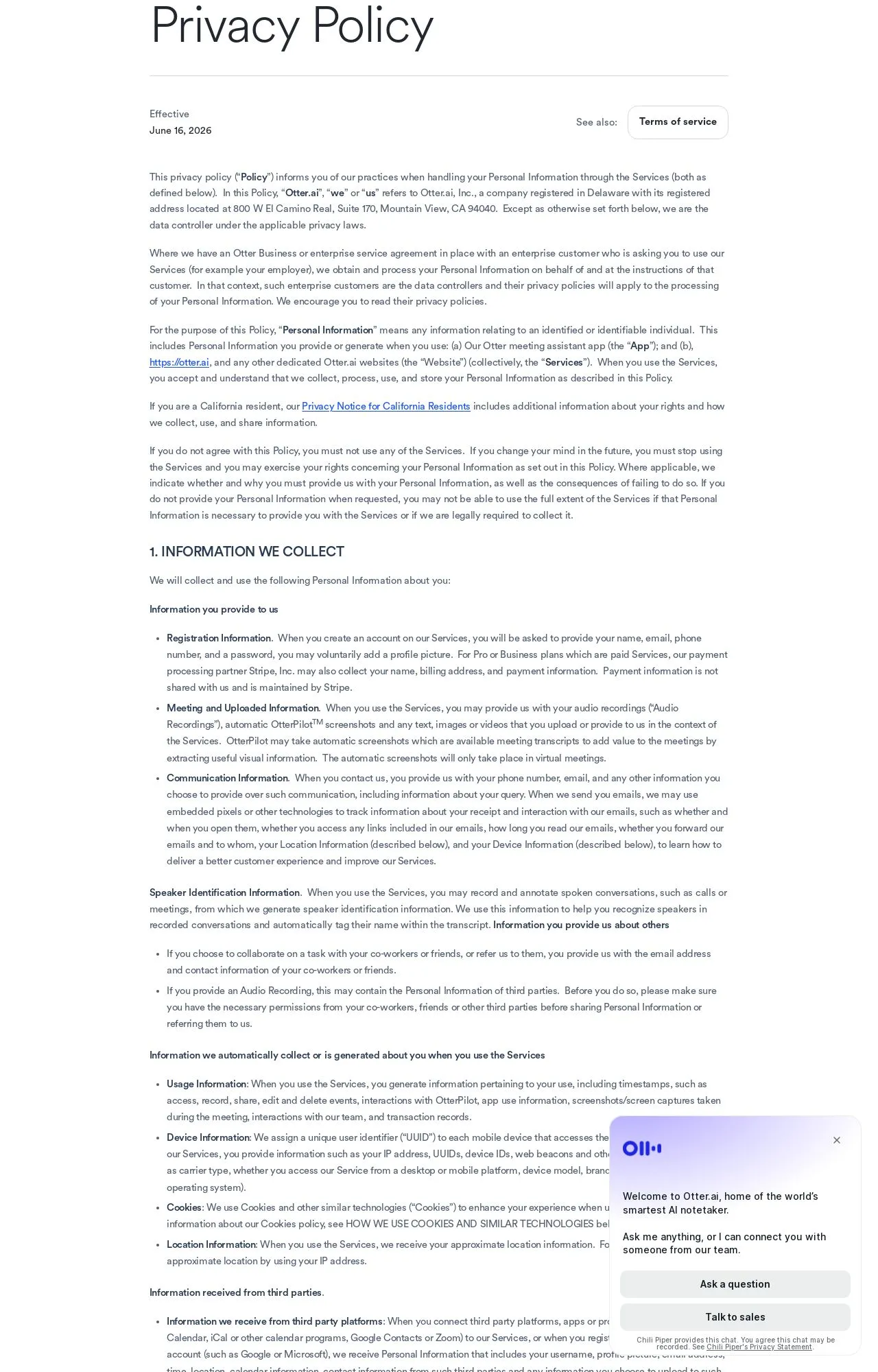
Most people click "Agree" on an AI tool's privacy policy without reading a word, and the policy authors know it. These documents are long, hedged, and written to be legally airtight rather than honest. But you don't need a law degree or a free afternoon to figure out whether a tool is going to feed your prompts into its next model. You need a method: a handful of sections to jump to, a few words to search for, and a sense of what a bad answer looks like. Here's the one the LegitTool editorial team uses when we examine a tool's public policy.
Jump to six sections, skip the rest
A privacy policy is not meant to be read top to bottom. The opening paragraphs are almost always boilerplate about how much the company "values your trust." Ignore them. There are only six things that actually decide whether a tool is safe to put your data into, and a good policy answers each one plainly.
- What they collect. Look past the obvious (email, name, billing) and find whether they log the actual content you type, upload, or paste. "Content" or "User Content" is the word that matters.
- How they use it. Running the service is fine. The question is whether your data also powers analytics, advertising, or "service improvement" — a phrase that often quietly includes model training.
- Whether they train on your inputs. This is the big one for AI tools. A trustworthy policy states clearly that your inputs are or are not used to train models, and ideally gives you a switch.
- Who they share it with. Sub-processors and "partners." Vague sharing language is where a lot of risk hides.
- How long they keep it. Retention. A specific window ("30 days after deletion") is a good sign; "as long as necessary" with no anchor is not.
- What you can delete. Your deletion and access rights, and how you actually exercise them — a button in settings versus emailing a support address that may never reply.
If you can answer those six questions, you understand the policy better than 95% of the tool's users. Everything else is detail.

The Ctrl+F trick that saves you the reading
You can find those six answers without skimming a single full paragraph. Open the policy, press Ctrl+F (Cmd+F on a Mac), and search for the words that policy writers can't avoid using. Each hit drops you straight into the clause that matters.
The keywords worth searching
Start with "train" and "machine learning" — this tells you instantly whether the tool says anything at all about using your data to improve its models. Then run through "retention" and "retain" for how long they keep things, "third part" (deliberately cut short so it catches both "third party" and "third parties") for sharing, "delete" and "erasure" for your rights, and "opt out" or "opt-out" to see if any of this is actually under your control.
Two searches are more telling for what they don't return. If you search "train" on an AI tool's policy and get zero hits, that silence is itself a finding — a tool processing your text that won't say a word about training is not earning the benefit of the doubt. Same with "delete": no result often means no self-serve way to remove your data. This keyword pass is the backbone of how LegitTool reads policies at scale; you can see the full version in our methodology.

The red flags that should slow you down
Once you're in the right clauses, certain phrasing patterns reliably signal a policy that's protecting the company, not you. None of these is automatically disqualifying, but each one is a reason to look harder before you trust the tool with anything sensitive.
"Trusted partners" with no list
When a policy says it shares data with "trusted partners," "affiliates," or "selected third parties" and never names them or links a sub-processor list, you have no idea where your data actually goes. The word "trusted" is doing emotional work the document refuses to back up.
Indefinite or unanchored retention
"We retain your data as long as necessary for our legitimate business purposes" sounds reasonable and means almost nothing. There's no end date, no event that triggers deletion, no commitment. Compare that to a policy that ties retention to a concrete window after account closure — one of those companies has thought about deletion, and one is keeping its options open.
Silence on training, or no opt-out
For an AI product, a policy that never mentions whether your inputs train its models is the loudest red flag of all. The runner-up: a policy that admits it trains on your data but offers no way to turn that off. If the only path to opting out is "contact us," that's a friction wall, not a right.
A policy that changes without warning
Watch for language reserving the right to change terms "at any time without notice." Policies do evolve — that's normal. But a tool that can silently expand what it does with your data, and counts on you never re-reading, is asking for trust it hasn't earned. This is exactly why we run policy-change alerts on the tools we track, so a quiet rewrite doesn't slip past you.
Put it together in five minutes
Here's the whole routine as a checklist you can run the next time you're weighing a new tool:
- Open the privacy policy and Ctrl+F for "train" — note whether your inputs feed the models, and whether there's an opt-out.
- Search "retention" / "retain" — look for a concrete time window, not "as long as necessary."
- Search "third part" — check whether sharing partners are named or hidden behind "trusted partners."
- Search "delete" / "erasure" — confirm there's a real, self-serve way to remove your data.
- Skim the data-collection section for "content" or "user content" — that's whether they log what you actually type.
- Check for "without notice" change clauses and an obvious last-updated date.
- If three or more answers are vague, treat the tool as higher-risk and keep sensitive data out of it.
The same six-question pass works whether you're sizing up a transcription service — see our review of Otter.ai for how it plays out in practice — or a writing assistant like Jasper. The categories don't change; only the answers do.
Frequently Asked Questions
What's the single most important thing to check?
Whether the tool trains on your inputs, and whether you can turn that off. For everything from notetakers to chatbots, that one clause decides whether your private text could end up shaping a model you don't control. Search "train" first; if the policy is silent, assume the worst until they say otherwise.
Is a missing privacy policy automatically a dealbreaker?
It's close to one. A live product handling user data with no published policy means there are no stated limits on what the company can do with your information — and often no legal basis you can hold them to. We treat a missing or unreachable policy as a serious mark against a tool, not a neutral gap.
Does "we don't sell your data" mean it's safe?
Not by itself. "We don't sell your data" is a narrow promise that says nothing about sharing it with partners, using it for training, or retaining it indefinitely. Companies lean on that line because it sounds reassuring while leaving the riskier behaviors untouched. Read the sharing and training clauses anyway.
How often do these policies actually change?
Often enough that a policy you read at signup may not describe what the tool does today. Acquisitions, new AI features, and shifting business models all trigger rewrites — and most users never see them. Re-checking the last-updated date when a tool ships a major feature is a cheap habit that catches a lot.
Reading a policy this way takes about five minutes and tells you most of what you need before you hand over a single prompt. When you'd rather not do it yourself, that's the job we've taken on: LegitTool examines the public policies, registration records, and reputation of AI tools so you get the verdict without the legalese — independent, evidence-based, and never from affiliate payouts.