How to Cancel an AI Subscription That Keeps Charging You
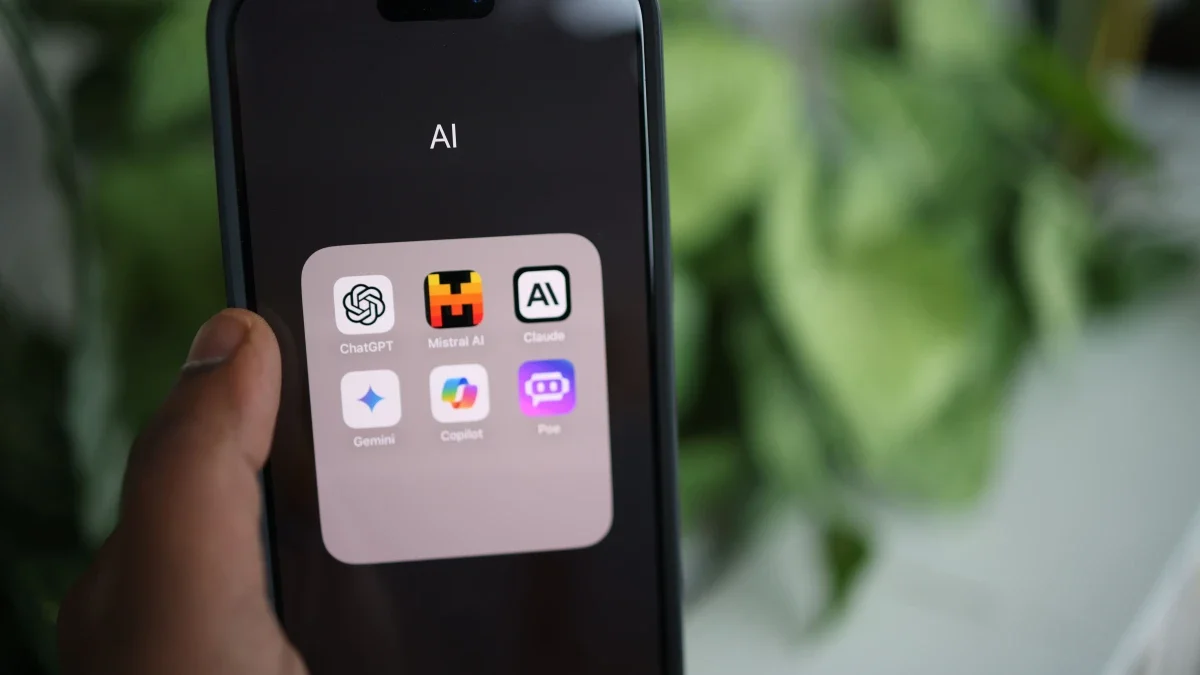
You hit cancel weeks ago — and this month the charge lands again. It is one of the most common billing complaints reported across consumer forums and app-store reviews: an AI tool that keeps taking money after you thought you were done with it. This happens for a handful of specific, fixable reasons, and most come down to where the subscription actually lives — the app itself, your web account, the App Store, or PayPal.
Below: why the charges keep coming, how to stop them for good, how to dispute one that slips through, and how to avoid the trap next time.
Understanding Why Your AI Subscription May Still Be Charging You
Before diving into cancellation steps, it’s vital to understand the common reasons why an AI service might continue to bill you. Often, the issue isn't malicious intent but rather a misunderstanding of the cancellation process or overlooked terms and conditions. Identifying the specific reason can guide your resolution strategy.
Common Pitfalls Leading to Persistent AI Charges
- Trial Period Auto-Renewal: Many AI tools offer free trials, but these often automatically convert into paid subscriptions if not canceled before the trial period ends. The terms for these auto-renewals are usually detailed in the initial sign-up agreement, which users might overlook.
- Multiple Accounts: You might have inadvertently created more than one account with the same AI service, perhaps using different email addresses or sign-up methods (e.g., Google login vs. direct email). Canceling one account won't stop charges from another.
- Platform vs. Service Cancellation: If you subscribed to an AI tool through a third-party platform like Apple App Store, Google Play Store, or even a payment processor like PayPal, canceling the subscription directly with the AI service provider might not stop the billing through the platform. You often need to cancel on the platform where the subscription was initiated.
- Confusing Cancellation Process: Some companies intentionally or unintentionally make their cancellation process difficult to navigate. This could involve hidden buttons, multiple confirmation steps, or requiring contact with customer support during specific hours.
- Payment Method Linkage: Even if you thought you canceled, your payment method (credit card, bank account) might still be linked to the service, and charges can continue if the cancellation wasn't fully processed.
- Insufficient Confirmation: You might have initiated a cancellation but failed to receive or save a confirmation email or reference number, leading to an incomplete process.

How to Cancel an AI Subscription That Keeps Charging You: A Step-by-Step Guide
Effectively stopping unwanted charges requires a systematic approach. Follow these steps meticulously to ensure a complete and successful cancellation.
Step 1: Identify the Source of the Charge
The first crucial step is to pinpoint exactly where the charge is coming from. Look at your bank statements or credit card statements. The transaction description usually provides clues, such as the company name (e.g., "AI Writer Pro," "ImageGen Inc.") or the platform through which it was billed (e.g., "Apple Services," "Google*Apps," "PayPal*AItool").
Step 2: Access Your Account on the AI Service Website or Platform
Once you identify the service, go directly to its official website or the platform where you subscribed (e.g., App Store, Google Play). Log in to your account. If you've forgotten your password, use the "Forgot Password" option. This is critical because most cancellations must originate from within your active account.
For Direct Subscriptions:
Navigate to sections like "Account Settings," "Subscriptions," "Billing," or "Manage Plan." Look for an option to "Cancel Subscription," "Downgrade Plan," or "Manage Membership."
For Third-Party Platform Subscriptions (as of 2026):
- Apple App Store (iOS/iPadOS):
- Open the "Settings" app.
- Tap your name at the top.
- Tap "Subscriptions."
- Select the AI app subscription you wish to cancel.
- Tap "Cancel Subscription."
- Google Play Store (Android):
- Open the "Google Play Store" app.
- Tap your profile icon (top right).
- Tap "Payments & subscriptions" then "Subscriptions."
- Select the AI app subscription.
- Tap "Cancel subscription."
- PayPal:
- Log in to your PayPal account.
- Go to "Settings" (gear icon).
- Click "Payments" then "Manage automatic payments."
- Find the merchant and click on it.
- Click "Cancel."
Step 3: Follow the Cancellation Prompts Carefully
Companies might present offers to keep you subscribed (e.g., discounts, paused subscriptions). Read all prompts carefully and ensure you select the option that explicitly states "Cancel" or "End Subscription." Some services might require you to provide a reason for cancellation; select a relevant option or choose "Other" if necessary.
Step 4: Confirm and Document Your Cancellation
Upon successful cancellation, you should receive a confirmation email. Save this email. It serves as crucial proof that you initiated the cancellation and on what date. If you don't receive an email within a few hours, check your spam folder. If still no confirmation, take a screenshot of the final cancellation screen that states your subscription has been terminated.
Step 5: Contact Customer Support If You Encounter Issues
If you cannot find the cancellation option, or if the process seems broken, immediately contact the AI service's customer support. Use their official channels: live chat, support ticket system, or phone number. When contacting them:
- Provide your account details (email used, username, subscription ID if available).
- Explain clearly that you wish to cancel your subscription and have been unable to do so.
- Reference any previous attempts to cancel.
- Request a confirmation of cancellation in writing (email).
- Keep a record of your communication, including dates, times, names of support agents, and case numbers.
Step 6: Review Your Bank/Credit Card Statements
For the next billing cycle, diligently check your bank or credit card statements to ensure the charges have stopped. If a charge appears after you've received cancellation confirmation, you will need to dispute it.
Disputing Unauthorized Charges After Cancellation
If an AI subscription continues to charge you despite your cancellation efforts, it's time to dispute the charges. This involves working with your bank or credit card company.
Initiating a Chargeback
Contact your bank or credit card issuer and explain the situation. Provide them with all your documentation: cancellation confirmation emails, screenshots, and records of communication with the AI service's support. Most financial institutions have a process for disputing unauthorized or recurring charges that were supposed to be canceled. They will often initiate a "chargeback," reversing the charge to your account.
Be aware that a chargeback can sometimes lead to your account with the AI service being suspended or terminated, even if you eventually resolve the issue. However, if the service is charging you against your will, this outcome is often preferable.

Preventing Future Unwanted AI Subscription Charges
Adopting best practices can save you significant hassle and money in the future.
Best Practices for Managing Digital Subscriptions
- Use a Dedicated Email for Trials: Consider using a secondary email address for signing up for free trials, especially if you're unsure you'll keep the service. This helps in managing notifications and tracking subscriptions.
- Set Calendar Reminders: For free trials, immediately set a calendar reminder a few days before the trial ends to decide whether to cancel or keep the subscription.
- Read Terms and Conditions (Especially Billing Sections): While often lengthy, pay close attention to the billing, auto-renewal, and cancellation clauses before subscribing to any service.
- Regularly Audit Your Subscriptions: At least once a quarter, review all your active subscriptions across platforms (App Store, Google Play, PayPal, direct services). Cancel anything you're not actively using or no longer need.
- Consider Virtual Credit Cards: Some financial institutions offer virtual credit card numbers that can be set with spending limits or be easily canceled. This can act as a safeguard for trial subscriptions.
- Use Subscription Management Apps: Various third-party apps are available that help track and manage your recurring subscriptions, sending you alerts and even helping to initiate cancellations. Research trusted options to find one that suits your needs.
The Broader Landscape of AI Service Billing in 2026
As AI tools become more integrated into daily life, the industry is seeing both advancements in user experience and lingering challenges in billing transparency. Many reputable AI companies are striving for clearer billing and easier cancellation processes, recognizing that user trust is paramount. However, some newer or less established services might still lag in this regard.
The onus remains on the consumer to be vigilant. Always verify the legitimacy of an AI service before providing payment details. Check reviews, look for clear contact information, and ensure their website provides a comprehensive privacy policy and terms of service. Transparency regarding data usage, especially with AI models that process user inputs, is also a critical consideration.
By understanding the mechanisms behind recurring charges and equipping yourself with the right cancellation and dispute strategies, you can confidently navigate the world of AI subscriptions without fear of unexpected bills. Taking control of your digital subscriptions is a key aspect of modern financial management.
Frequently Asked Questions
What is the fastest way to stop an AI subscription from charging me?
The fastest way is to log directly into your account on the AI service's website or the platform where you subscribed (e.g., Apple App Store, Google Play, PayPal) and follow their specific cancellation process. Immediately save any confirmation emails or take screenshots as proof.
Can I get a refund for charges after I canceled my AI subscription?
It depends on the service's refund policy and how long after cancellation the charges occurred. If you have clear proof of cancellation before the charge, you have a strong case for a refund by contacting customer support first, and then your bank if necessary. Many services have specific refund windows.
What if the AI service won't let me cancel online?
If you cannot cancel online, you must contact their customer support directly via phone, live chat, or email. Document all your communications, including dates, times, and the names of support agents. If they still refuse or make it excessively difficult, your next step is to dispute the charges with your bank or credit card company.
Are free AI trials always safe?
While most free trials from reputable companies are legitimate, be cautious. Many automatically convert to paid subscriptions if not canceled before the trial period ends. Always read the terms, set a reminder, and be prepared to cancel if you don't wish to continue.
Should I block the company on my credit card to stop charges?
Blocking a company on your credit card should be a last resort. While it can prevent future charges, it may also lead to issues if you have other legitimate dealings with that company or if a different payment method is still linked. It's always best to follow the official cancellation process first and then dispute specific charges with your bank if necessary, rather than implementing a blanket block.